
All updates
Interface September 11, 2026
Light theme, your call
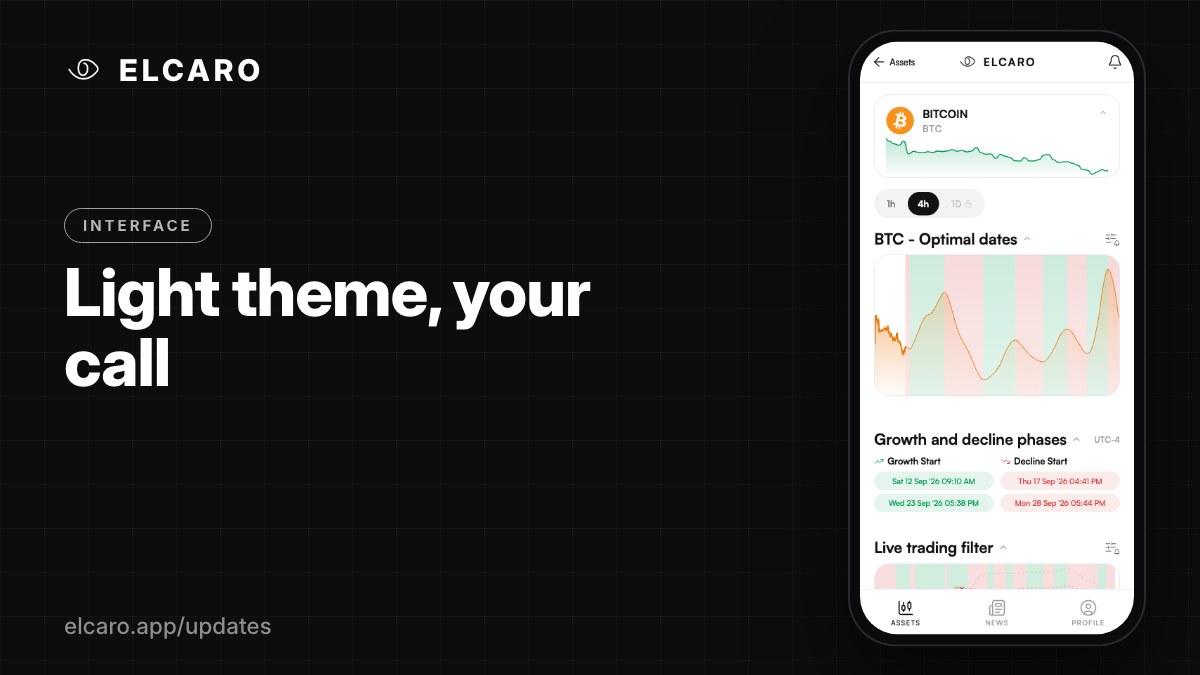
Switch ELCARO between dark, light and system in Options, and the whole app follows.
What it gives you
ELCARO now has a light theme. Charts, growth and decline phases, the trading filter, news and settings all come in a bright ground with the same contrast and the same colour language you know from dark. Pick light for daytime, dark for the evening, or let the app follow your phone.
How to use it
Open Profile → Options and choose Dark, Light or System. The change applies instantly, everywhere in the app.
Good to know
Nothing changes until you choose. Dark stays the default, so your app looks exactly as it did until you decide otherwise.