
ELCARO Terminal: smoother drawing, instant focus, 10 new chart types
ELCARO Terminal gets smoother drawing tools, one-gesture pane focus, 10 new chart types and themes with an accent colour of your choice.
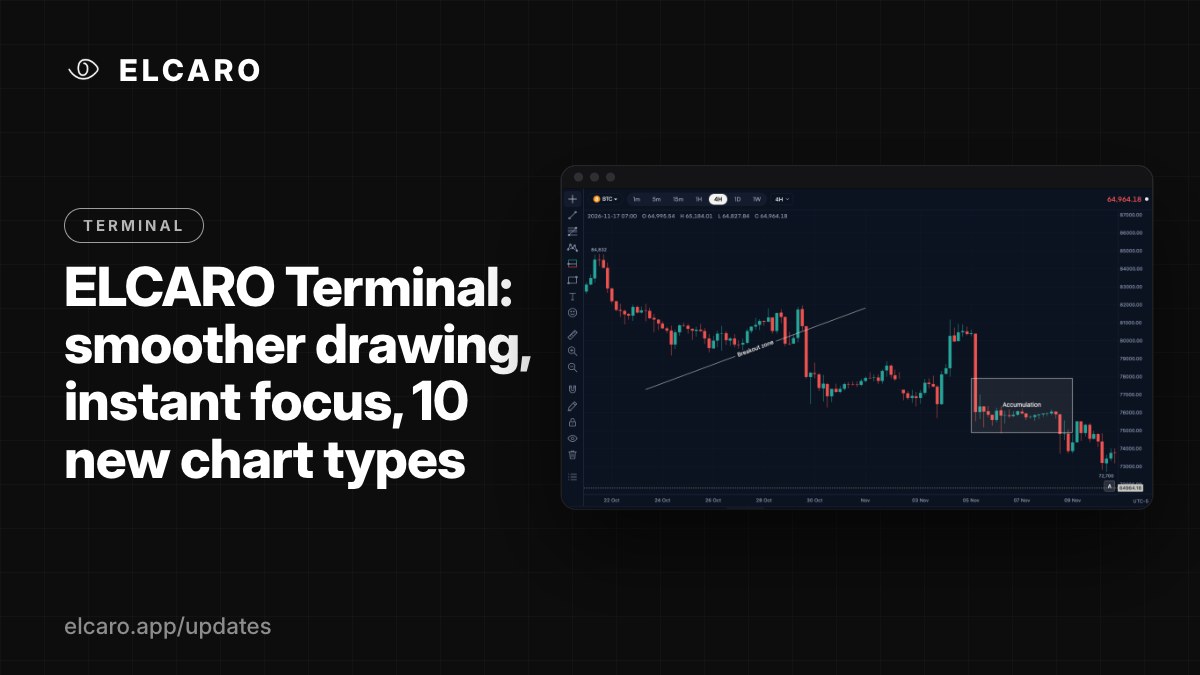
The ELCARO Terminal has a new round of improvements built around one idea: your chart should keep up with your hand and your eye.
Smoother, more precise drawing tools
Marking levels is quicker and cleaner. Only the shape you are working on shows its handles, so the chart stays uncluttered. Boxes can be reshaped from every corner and edge with a generous grab area, and the magnet helps you land exactly on the points that matter.
You can also write a note directly on a box or a line. Labels sit neatly in the middle of trend lines, rays, extended, horizontal and vertical lines, the way many traders like to read them.
How: hold Alt / Cmd to switch the magnet off while you draw, and press Esc to step back.
Focus on any pane in one gesture
Sometimes the trading filter or an indicator deserves the whole screen. Now any pane (the price chart, the trading filter or an indicator) can fill the chart in a single move, and returns just as fast. With a pane expanded, the view stays clean and focused.
In a layout of 2 to 4 charts, you can also expand one chart to fill the workspace and then go back to your full layout.
How: double-click a pane, or Shift + double-click to expand a whole chart.
10 new chart types
Read the market in the format that suits your style.
- Simple types: Columns, High-low, HLC area, Line with markers and Volume candles.
- Brick-style types: Renko, Line break, Range, Kagi and Point & Figure, each with its own settings. Point & Figure follows the live tick.
The chart type menu is organised into groups, and every new type has a preview card so you can see what it shows before you choose.
Themes that fit your desk
Make the Terminal look the way you like to work. Choose from ready-made themes, then add an accent colour for active tabs, buttons and menu items, or keep the look neutral. The header, canvas, layers and screenshots all follow your choice. Light themes come with clear side panels, search and labels, so long sessions stay comfortable.
Try it now
Open the Terminal, double-click a panel and explore the new chart types and themes from the chart settings.