
All updates
Terminal November 6, 2026
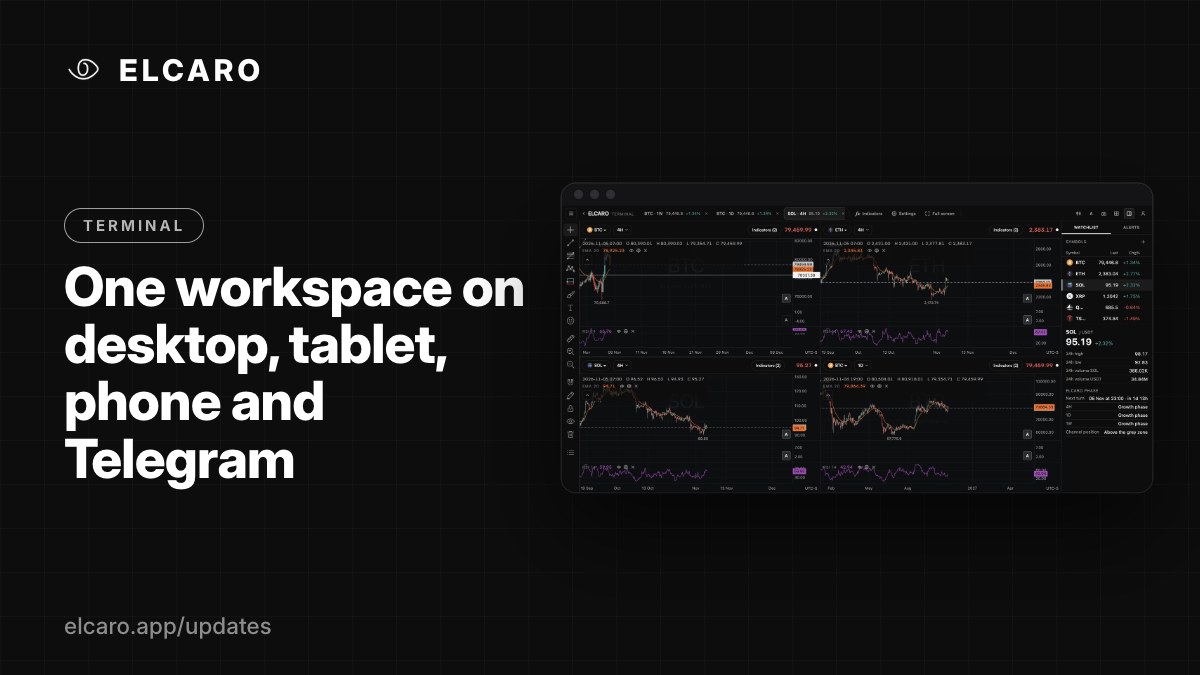
One workspace on desktop, tablet, phone and Telegram
The Terminal adapts to your screen and saves your workspace to your account, so you continue where you left off.
What it gives you
Start on a desktop, check the same charts on a tablet, glance at them on your phone. The Terminal works on every screen size and keeps your setup in sync.
Where it opens
- Web: app.elcaro.app/terminal.
- ELCARO web app: the Terminal entry in the navigation.
- Telegram Mini App: open @ELCARO_bot and choose Terminal.
How it adapts
- Desktop: the full workspace with the right panel docked.
- Tablet: a docked panel and touch-friendly controls.
- Phone: a compact header, an Indicators dropdown, the right panel as a full-screen overlay, and bottom sheets.
What follows you
Tabs, layouts, sync, the watchlist, indicator choices, favourite timeframes, drawings and settings save to your account a moment after each change. Sign in on another device and everything is there.
Five things to try this week
- 1. Open a second tab for the assets you watch most.
- 2. Set one alert you would otherwise check by hand.
- 3. Turn on Stay in drawing mode to mark several levels in a row.
- 4. Split a tab into two charts on different timeframes.
- 5. Build a watchlist and open an asset's ELCARO phase block.