
Plans and billing
What each plan opens up, and where to manage your subscription.
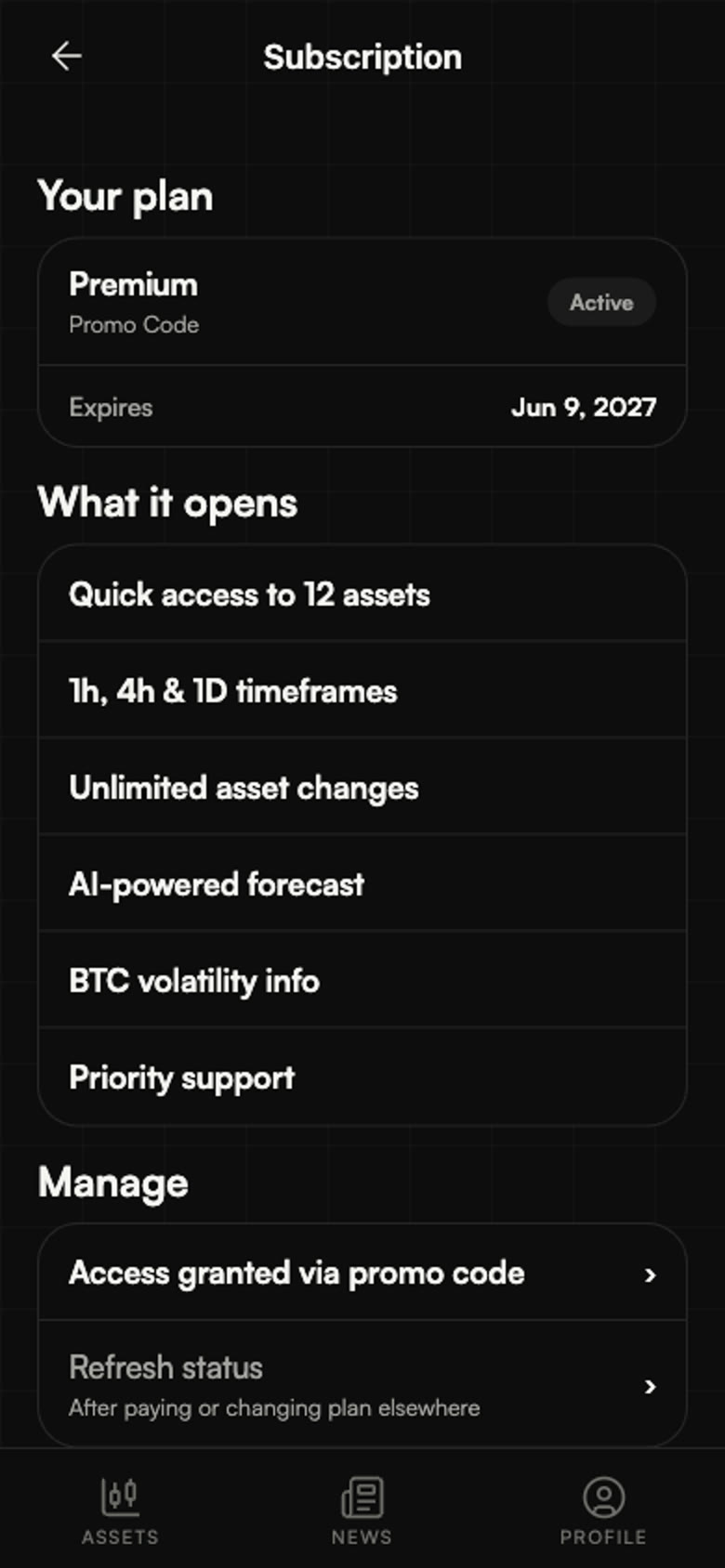
Plans differ along three lines: how many assets you can follow, how many changes you get per month, and which timeframes are available. Higher plans also open the AI Forecast.
Managing your subscription
Profile → Subscription shows your current plan, its renewal date and the way to change it. Yearly billing is available on every plan and costs less than paying monthly.
Where you bought matters
A subscription bought inside the iOS or Android app is managed by the store that sold it, and cancelling or changing it happens in that store's account settings. A subscription bought on the web or in the Telegram Mini App is managed from the app's own subscription screen.
Discount codes
Codes are entered in Profile → Promo Codes, and in the mobile apps they apply during checkout without sending you to the website.
Trials
Where a trial is offered it starts the moment the plan is activated and converts automatically unless you cancel before it ends. The renewal date is always shown on the subscription screen.