
Choosing your assets
How the asset list works, how many you can follow, and how to swap one out.
Your plan gives you a number of asset slots and a number of changes per month. The slots decide how many assets you follow at once; the changes decide how often you can rearrange them.
Picking assets
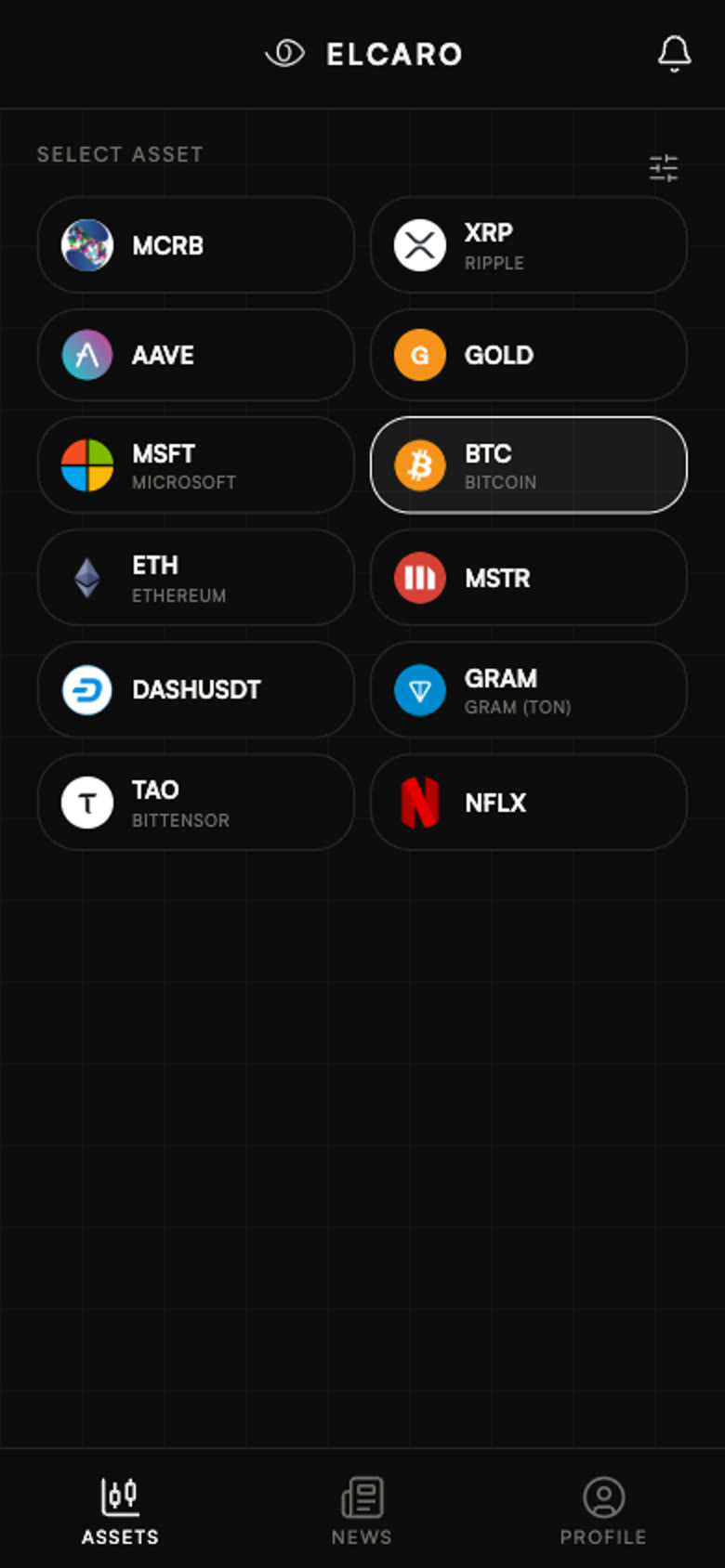
Open Settings → Assets. Everything available on your plan is listed there — crypto, forex, indices and stocks. Tap to select, tap again to release a slot.
Why changes are limited
The data behind every asset is prepared continuously, per asset and per timeframe. The monthly limit keeps that work aligned with what people actually follow. Swapping an asset out frees its slot immediately; the change counter resets at the start of your billing month.
Names you may not recognise
An asset is shown under the name the exchanges use today, which is not always the name it launched under. Toncoin, for example, appears as GRAM everywhere in the app — in the list, on the asset page and in notifications.