
All articles
Staying informed
Notifications
What the app tells you about, and how to choose what reaches you.
Notifications cover the two things the app tracks: phase changes in the forecast and events on the trading filter.
Choosing what you get
Open Profile → Notifications. You choose which of your assets notify you, which timeframes count, and which channels the messages arrive on.
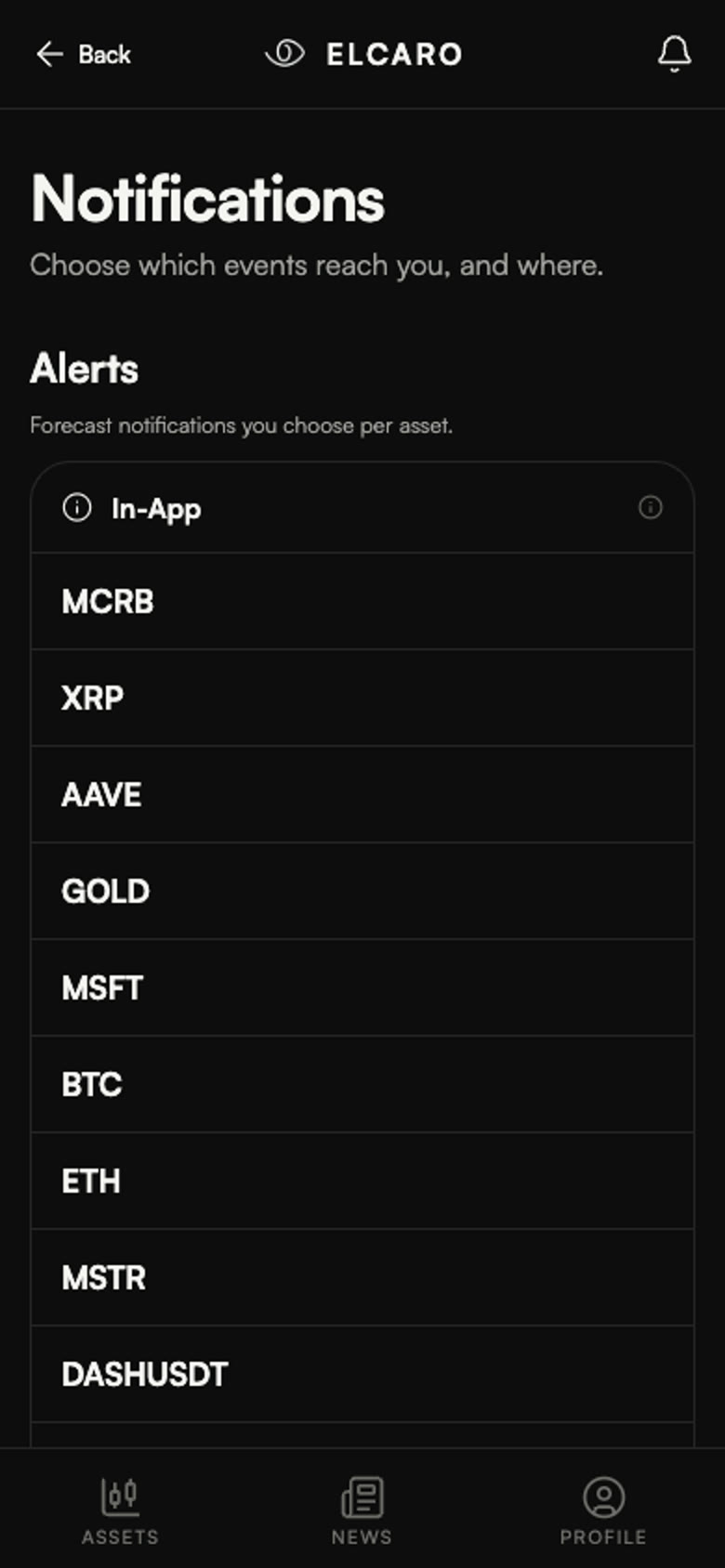
Channels
- Telegram, through the ELCARO bot;
- In the app, in the notification feed.
You can run both at once or either on its own.
How often
That depends entirely on the timeframes you enable. The hourly frames produce events regularly; the daily frame is quiet by comparison. If your notifications feel too frequent, the timeframe selection is the first thing to adjust.
Naming
A notification names the asset the way the app does everywhere else, so an alert about Toncoin arrives as GRAM.