
All updates
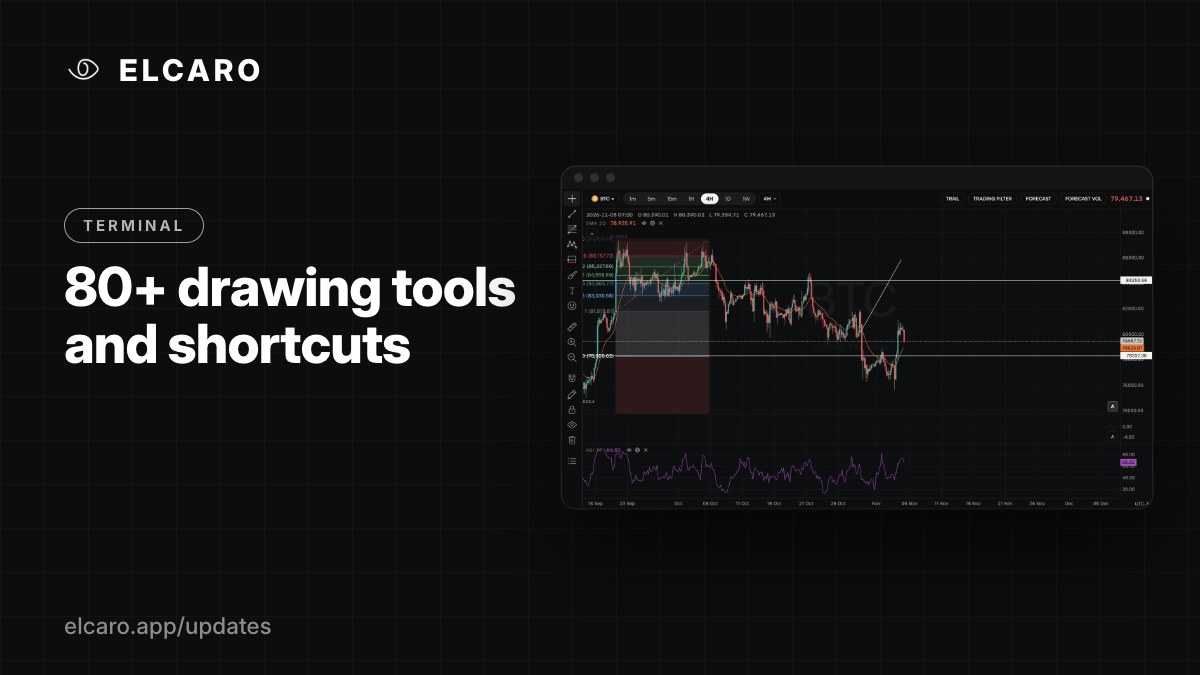 Full guide Drawing tools
Terminal November 6, 2026
80+ drawing tools and shortcuts
Trend lines, channels, pitchforks, Fibonacci, Gann, patterns, Elliott waves, measurers, notes and more, with keyboard shortcuts.
What it gives you
Mark up the chart the way you are used to. The drawing toolbar on the left holds more than 80 tools, free for every account.
What's in the toolbar
- Lines and channels: trend line, ray, horizontal and vertical lines, parallel channel, regression trend and more.
- Pitchforks, Fibonacci and Gann: retracements, extensions, fans, time zones, Gann box and fan.
- Patterns and waves: XABCD, head and shoulders, triangles, Elliott impulse and corrections.
- Measurers: price range, date range, or both.
- Shapes, brushes, arrows, text, notes and icons.
Handy controls
- Magnet snaps points to candle prices.
- Stay in drawing mode lets you place several drawings in a row.
- Lock all and Hide all keep the chart under control.
- Undo and redo hold the last 100 steps.
- Any drawn line can carry an alert: select it and press Alert.
Shortcuts
Alt+T trend line · Alt+H horizontal line · Alt+V vertical line · Alt+F Fib retracement · Alt+A add alert · Alt+S save chart image · Cmd/Ctrl+K search symbol · press ? for the full list.
Good to know
Drawings are saved per asset and per chart, to your account.