
All updates
 Full guide Alerts in the Terminal
Notifications November 6, 2026
Alerts on ELCARO events
Get a Telegram message when a forecast turn is near, a divergence appears, TRAIL flips or the trading filter crosses a line.
What it gives you
You do not need to watch the chart for an ELCARO event. Set an alert once, and the Terminal tells you when it happens, in Telegram and in the app, even when the Terminal is closed.
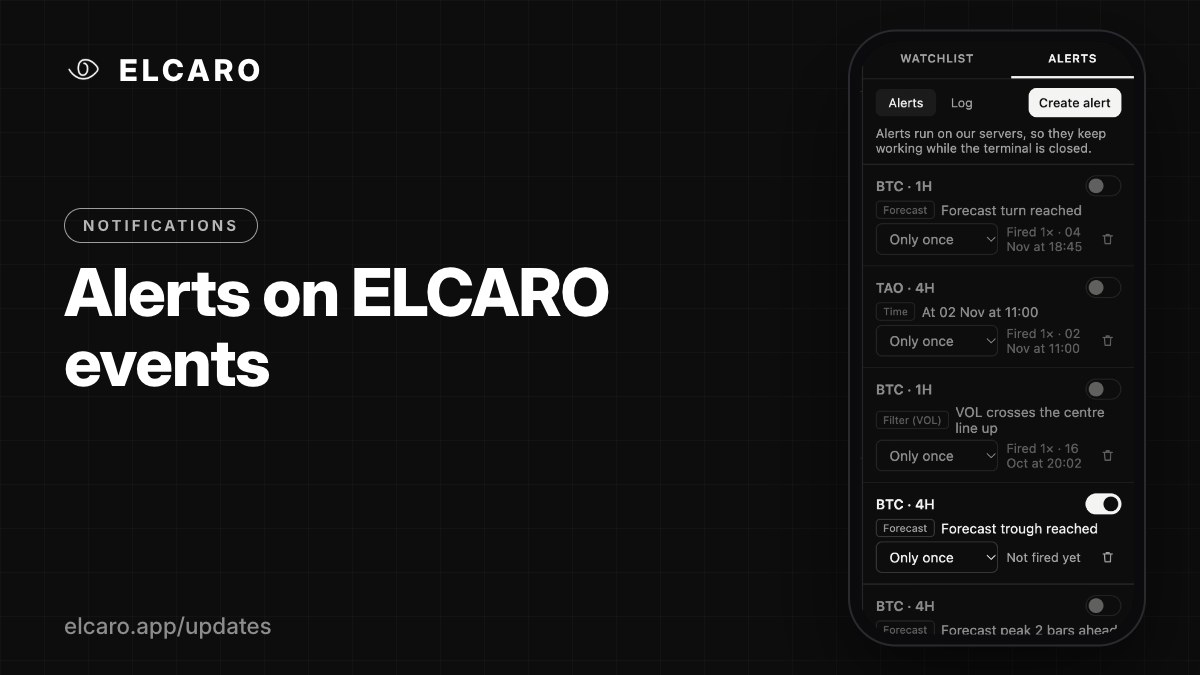
ELCARO alert types
- Forecast turn approaching: a chosen number of bars (1–30) before a peak, a trough or any turn.
- Forecast turn reached.
- FORECAST VOL turn: from 30 bars before the turn up to the moment it is reached.
- Divergence appeared and Divergence activated: bullish, bearish or any; regular, hidden or any.
- TRAIL flips phase: to growth, to decline or either.
- Price crosses TRAIL: up, down or either way.
- VOL crosses a line: centre line, HighBand or LowBand.
- Indicator line vs a level: VOL, the bands, the centre line, any sigma level or TRAIL, crossing or above/below a level.
How to set one
Open the ALERTS tab in the right panel → Create alert. Pick the symbol, the timeframe, the type and the condition. A preview shows what the message will say.
Good to know
ELCARO alerts work on the assets and timeframes your plan covers. They are checked when a bar closes, and nothing fires for an event that happened before you created the alert.