
All updates
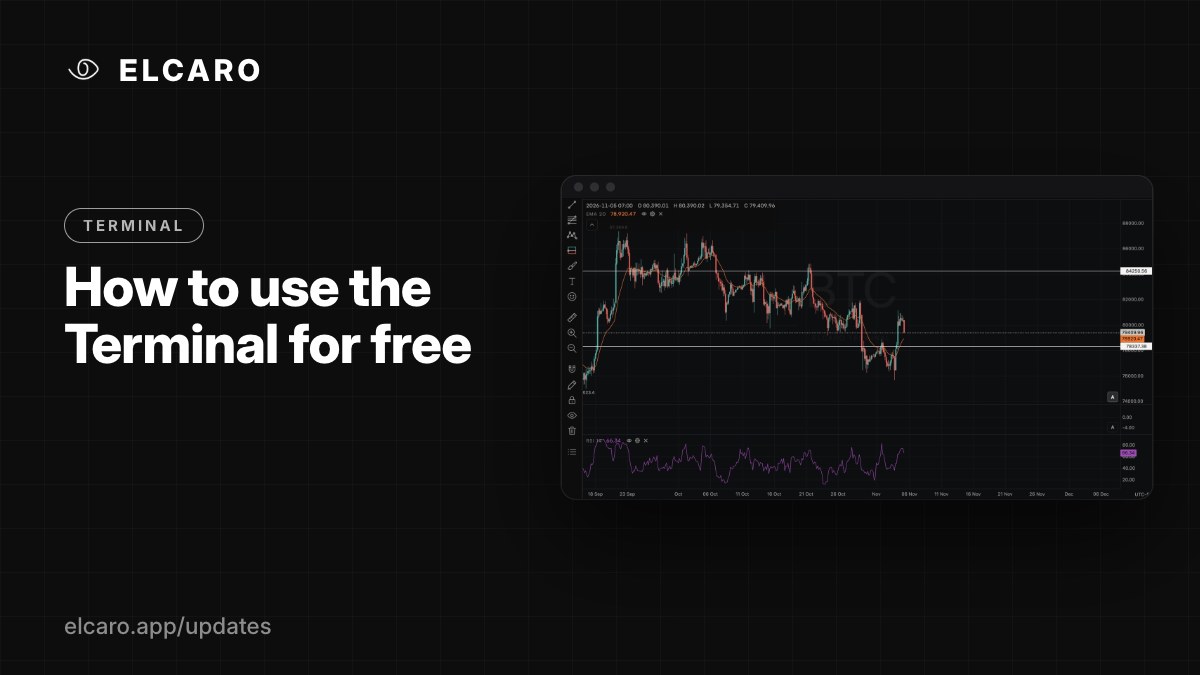 Full guide Using the Terminal without a plan
Terminal November 6, 2026
How to use the Terminal for free
No plan needed: every asset, every timeframe, all chart types, 80+ drawing tools, price alerts and two standard indicators.
What it gives you
You can work in the Terminal without paying anything. Sign in at app.elcaro.app/terminal with any ELCARO account and you get a real chart workspace.
What's free
- Every asset and every timeframe, including 1m, 5m and your own custom intervals.
- 18 chart types and 4 price scales.
- 80+ drawing tools, from trend lines to Fibonacci and Elliott waves.
- Up to 4 charts in a tab and up to 12 tabs.
- Price, time and drawing-line alerts in Telegram and the app.
- 2 standard indicators at a time, chosen from all 28.
- Watchlist, screenshots and a workspace that saves itself to your account.
A free setup that works
- 1. Pick an asset and a timeframe.
- 2. Add two indicators that complement each other, for example an EMA on the chart and RSI or Volume in a pane.
- 3. Draw your key levels and put a price alert on each.
- 4. Open a second chart in the same tab on a higher timeframe for context.
Your first 14 days
New accounts start with a 14-day free window: the ELCARO indicators on Bitcoin, 4h. Switch the chart to BTC 4h to see the forecast, TRAIL and the trading filter live.
Good to know
If you have more indicators saved than the free limit, the extra ones are paused, not deleted, and return when you choose a plan.