
When the timeframes point the same way.
Each timeframe has its own cycle, and most of the time they disagree. Timeframe alignment watches the frames you pick for an asset and sends one message when they line up on the same phase, with the date it lasts until.
Algorithmic. A notification in the ELCARO app and Telegram, on every paid plan, within its assets and timeframes.
01
One message, every frame you picked
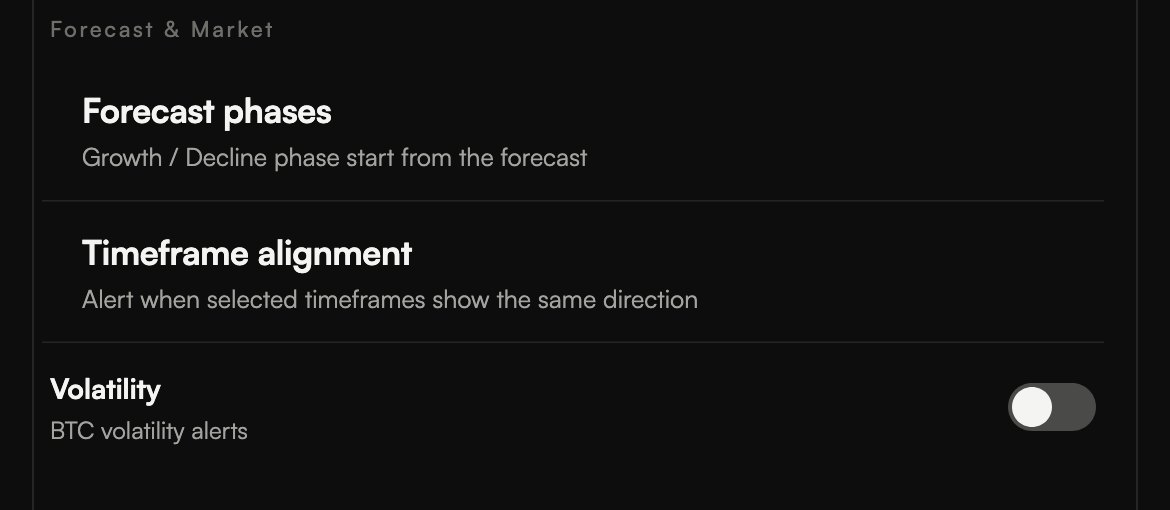
Open Profile → Notifications, expand In-App or Telegram, then the asset, and turn on Timeframe alignment under Forecast & Market.
- At least two of the frames you picked must have a phase, and all of them must point the same way.
- The message names the frames, the phase and until when, for example: 1h, 4h, 1D: ↑ Growth until Mar 21, 00:00 (UTC).
- The date is the earliest end of the current phase among the aligned frames.
02
Quiet when the frames disagree
If the directions are mixed, nothing is sent. The same asset and direction will not repeat within 2 hours.
- The higher timeframe says which phase you are in; the lower ones refine when inside it.
- When they agree, the picture is simpler to read.
- It arrives in the app feed and, if Telegram is linked, in Telegram.
Step by step in the guide
Questions.
What is timeframe alignment? +
A notification that fires when the forecast phases of an asset on the timeframes you picked all point the same way, for example growth on 1H, 4H and 1D at once.
Where do I turn it on? +
Profile → Notifications. Expand In-App or Telegram, then the asset, and turn on Timeframe alignment under Forecast & Market. Messages arrive in the app and in Telegram.
Which plans have it? +
Every paid plan, on its own assets and timeframes: Starter BTC 4H and 1D, Basic and Pro 1H and 4H, Platinum 1H, 4H and 1D. The ELCARO Terminal plan covers any asset on 1H, 4H and 1D.
Does alignment mean the move is certain? +
No. It says the timeframes agree right now. Dates can still shift as the model recalculates.
Related features
Educational tools, not financial advice. ELCARO never places orders for you.