
Channels and pitchforks
Parallel channel, regression trend, flat top/bottom, disjoint channel and the three pitchforks: what each draws, how many clicks it takes and a typical use.
Free for every account. Every drawing tool works on any chart, on any asset and any timeframe, with no plan.
Channels and pitchforks sit in the Trend line tools group, under the lines. Open the group with the small arrow on its button. All of them draw from your clicks; the fills and extra lines appear by themselves.
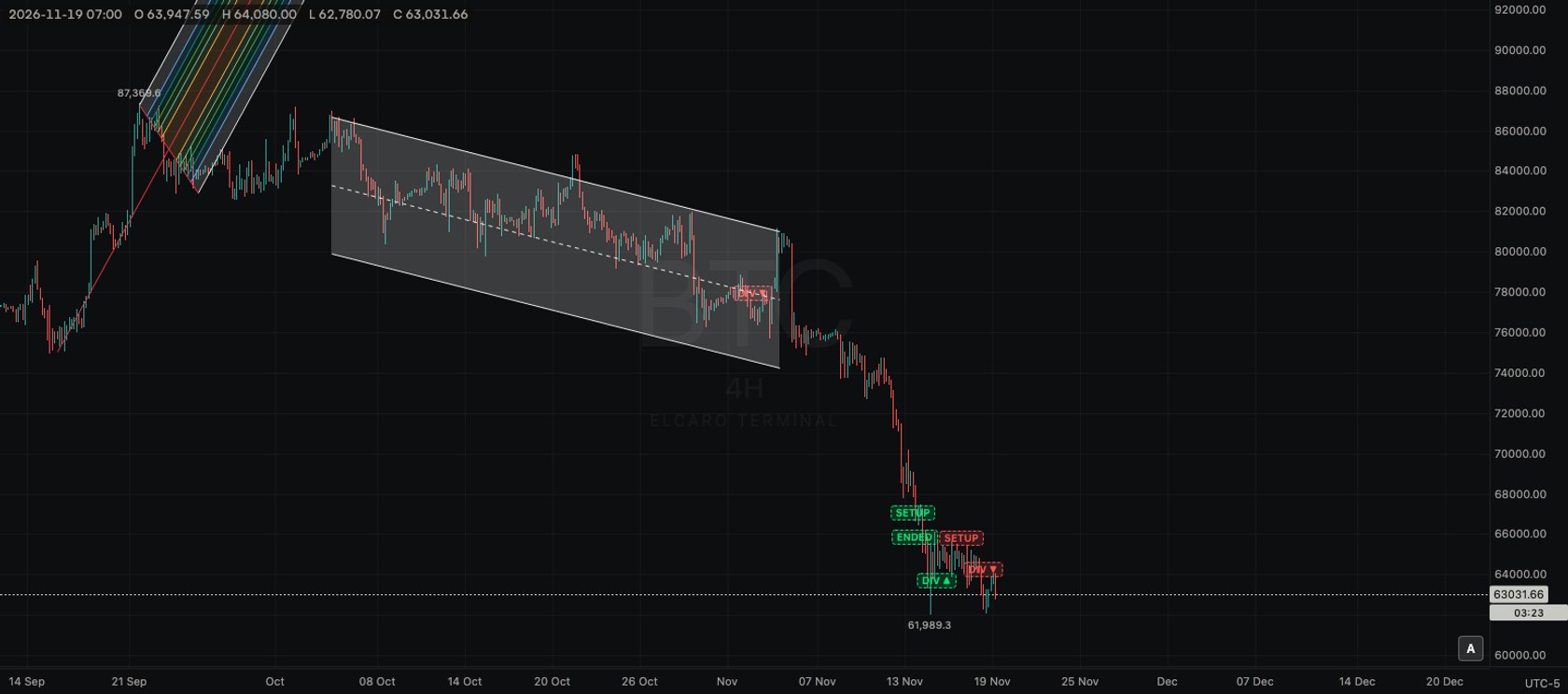
Channels
Parallel channel
- What it is: two parallel lines with a shaded band between them and a dashed middle line.
- Points: three clicks. The first two set one line, the third sets how far away the parallel line runs.
- Typical use: frame a rise between a line under its lows and a parallel line over its highs.
Regression trend
- What it is: a centre line fitted to the closing prices between two bars, with bands two standard deviations above and below it. A number under the lower band shows how closely the closes follow the line: the nearer to 1 or minus 1, the tighter.
- Points: two clicks, on the first and the last bar of the period.
- Typical use: see how straight a past move was and how far prices strayed from its centre.
Flat top/bottom
- What it is: a sloped line and a flat line, with the area between them shaded.
- Points: three clicks. The first two set the sloped line, the third sets the price of the flat one.
- Typical use: draw rising lows under a ceiling that stays at one price, or falling highs over a flat floor.
Disjoint channel
- What it is: two lines with opposite slopes, so the band widens or narrows across the chart.
- Points: three clicks. The first two set the first line, the third sets where the second one ends.
- Typical use: outline a range whose swings grow wider or tighter over time.
Pitchforks
Every pitchfork takes three clicks: the start of the handle, then two turning points. The handle runs to the middle of the two turning points and carries on as the median line. Two outer lines run parallel to it through the turning points, with extra level lines at 0.25, 0.382, 0.5, 0.618 and 0.75 and shaded bands between them.
Pitchfork
- What it is: the standard version. The handle starts exactly at your first click.
- Points: three clicks.
- Typical use: place it on three consecutive swings, such as a low, a high and the next low, to see the path the median line suggests.
Schiff pitchfork
- What it is: the same fork, but the handle starts halfway in price between your first and second click. The median line comes out flatter.
- Points: three clicks.
- Typical use: a steep first swing that would make the standard median line too steep.
Modified Schiff pitchfork
- What it is: the handle starts halfway between the first and second click in both time and price.
- Points: three clicks.
- Typical use: a middle ground between the standard and the Schiff version.
Tips
- Turn on the Magnet so the turning points land exactly on candle highs and lows.
- Drag any handle afterwards; the bands and levels redraw at once.
- Change the colour, width or line style in the style bar.
Read next
Drawing tools
How the drawing toolbar works: picking a tool, placing points, selecting and styling a drawing, the magnet, drawing mode, locking, hiding and removing, undo, saving and the phone.
Lines and line alerts
Trend line, ray, info line, extended line, trend angle, horizontal and vertical lines, cross line, and how to set an alert from a line you drew.
Fibonacci retracement, extension and channel
The three Fibonacci price-level tools: which points to click, which levels they draw and a typical use for each.