
Terminal plans and access
What every account gets, what the 14-day free window opens, what each app plan opens in the Terminal and what the ELCARO Terminal plan adds.
Open to every account
- Charts and full history for every asset and every timeframe, including custom intervals.
- 18 chart types, ready-made themes and 4 price scales.
- 80+ drawing tools and the icon palette.
- Up to 12 tabs and up to 4 charts in each tab.
- The watchlist and chart snapshots.
- Price, time and drawing-line alerts.
- Standard indicators (2 at a time without a plan, more with one).
What depends on your plan
- The ELCARO indicators: Forecast, Forecast VOL, TRAIL and its higher-timeframe levels, the trading filter with sigma levels, and divergences.
- ELCARO alerts (forecast turns, TRAIL, trading filter, divergences).
- The ELCARO phase block in the watchlist.
- ELCARO Options and order flow.
Access by plan
- No plan: the ELCARO features are not shown. Standard indicators: 2 at a time across the whole workspace.
- 14-day free window (a new account): the ELCARO features on Bitcoin, 4H. Standard indicators: 2 at a time across the workspace.
- Starter: the ELCARO features on Bitcoin, 4H and 1D.
- Basic: on your 4 assets, 1H and 4H.
- Pro: on your 8 assets, 1H and 4H.
- Platinum: on your 12 assets, 1H, 4H and 1D.
- ELCARO Terminal plan: on every asset and every timeframe, including 1m, 5m, 15m, 1W and your custom intervals.
With an app plan you get up to 10 standard indicators on each chart your plan covers and 2 on other charts. The Terminal plan gives 10 on every chart.
"Your assets" are the ones you chose in the ELCARO app for your plan. To change them, change them in the app; an open Terminal picks up the change within seconds.
How to see what your plan covers
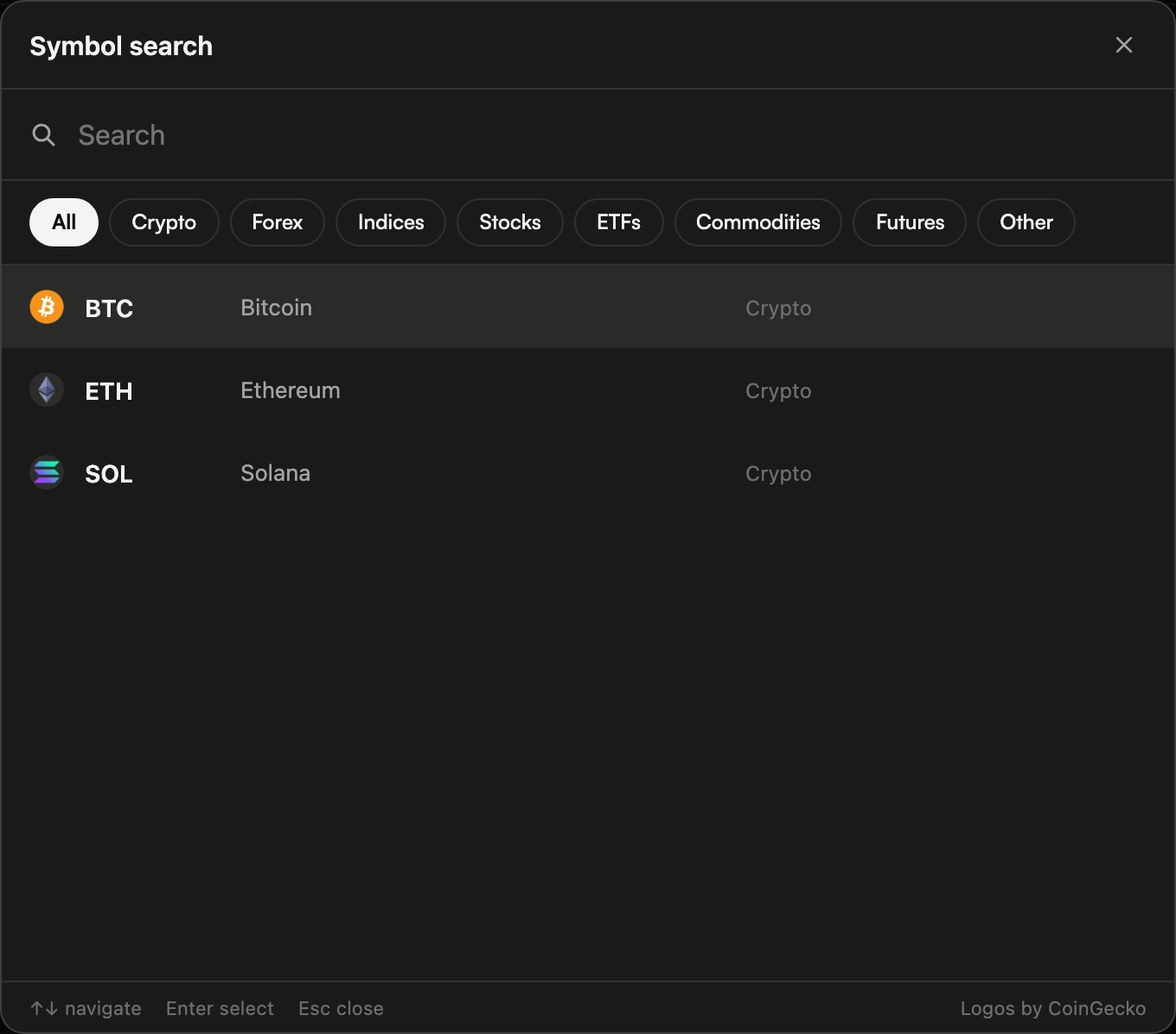
- Timeframes, asset search and the watchlist show a small mark next to what your plan covers.
- In Indicators, ELCARO rows outside your plan are dimmed with a lock. The switch is off and Settings is greyed.
- On the chart, one line says that the ELCARO indicators are available on this chart with a higher plan.
- Higher-timeframe trail levels are checked one by one: each level shows if its own timeframe is in your plan.
Moving between charts
Switching to a chart outside your plan does not delete anything. Your ELCARO settings stay as they were and come back when you return to a chart your plan covers. ELCARO alerts on a chart your plan no longer covers are paused, not deleted.
The ELCARO Terminal plan
- Opens every ELCARO feature on every asset and timeframe, including the short frames (1m, 5m, 15m), 1W and custom intervals.
- Includes everything in Platinum.
- Available on the web and in the Telegram Mini App, monthly or yearly.
- If you already have an app plan paid on the web, the Terminal plan replaces it and your unused paid days are credited.
In the news: terminal in your plan
Read next
Getting started with ELCARO Terminal
What the Terminal is, how to open it on any device, a tour of the screen and your first ten minutes, step by step.
Using the Terminal without a plan
What you can do in the Terminal for free, the limit of 2 standard indicators, and a simple free setup step by step.
Choosing your assets
How the asset list works, how many you can follow, and how to swap one out.
Which assets the Terminal has
How to find an asset in the Terminal, what the plan mark means and how to ask for one that is missing.